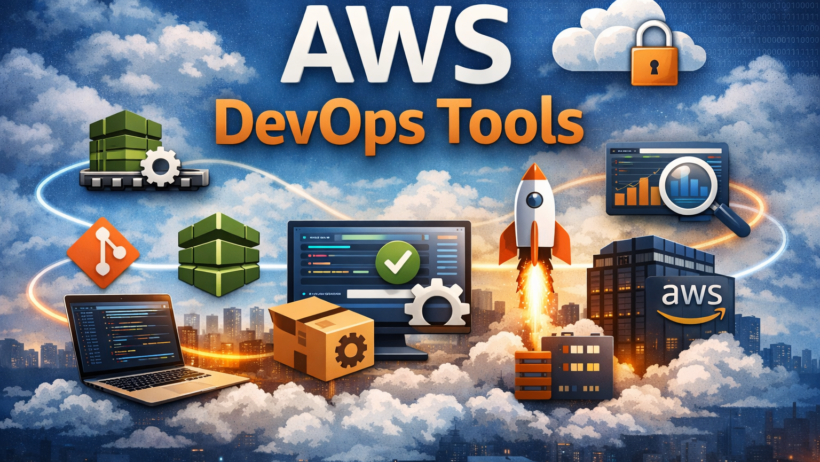
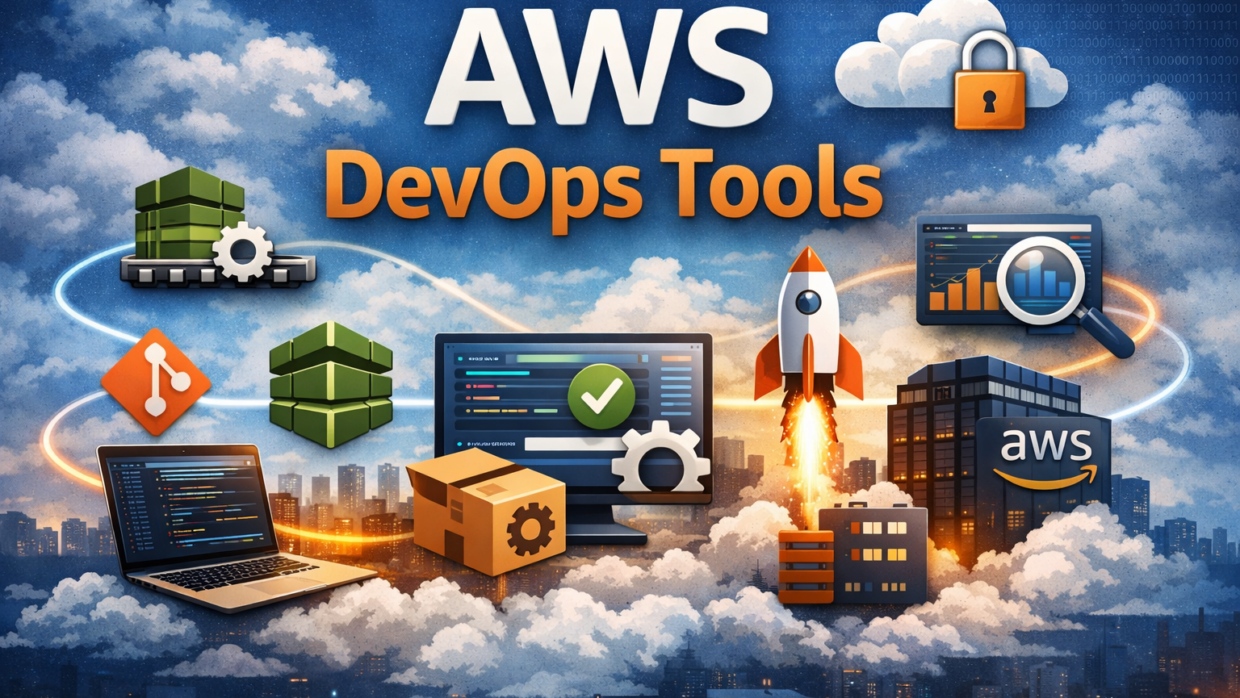
Amazon Web Services (AWS) offers a comprehensive set of DevOps tools that help teams automate software delivery, manage infrastructure as code, and monitor applications at scale. Understanding how these tools fit together is essential for building reliable, production-ready DevOps workflows.
This pillar guide explains all major AWS DevOps tools, what problems they solve, and how they are commonly used in real-world environments.
Table of Contents
What Are AWS DevOps Tools?
AWS DevOps tools are managed services that support the entire software delivery lifecycle, including source control, build automation, deployment, infrastructure management, and monitoring. 
They are designed to:
- Reduce manual effort
- Improve deployment reliability
- Enable faster releases
- Support scalable DevOps practices
Core AWS DevOps Tool Categories
AWS DevOps services can be grouped into five main categories.
1. Source Control & Version Management
AWS CodeCommit
AWS CodeCommit is a fully managed Git-based source control service.
Used for:
- Hosting private Git repositories
- Managing code versions securely
- Triggering CI/CD pipelines
Common use case:
Storing application source code that automatically triggers builds and deployments when changes are pushed.
2. Continuous Integration (CI)
AWS CodeBuild
AWS CodeBuild is a fully managed build service that compiles source code, runs tests, and produces artifacts.
Used for:
- Running automated builds
- Executing unit and integration tests
- Packaging deployment artifacts
Why it matters:
It eliminates the need to manage build servers and scales automatically with demand.
3. Continuous Deployment (CD)
AWS CodeDeploy
AWS CodeDeploy automates application deployments to:
- Amazon EC2
- AWS Lambda
- Amazon ECS
- On-premises servers
Deployment strategies supported:
- In-place deployments
- Blue/Green deployments
Common use case:
Safely deploying application updates with minimal downtime.
4. Pipeline Orchestration
AWS CodePipeline
AWS CodePipeline orchestrates the entire CI/CD workflow.
Used for:
- Connecting source, build, test, and deploy stages
- Automating release workflows
- Visualizing pipeline execution
Why it matters:
It ensures every code change follows the same automated release process.
5. Infrastructure as Code (IaC)
AWS CloudFormation
CloudFormation allows you to define AWS infrastructure using templates.
Used for:
- Creating repeatable environments
- Version-controlling infrastructure
- Automating resource provisioning
AWS CDK
AWS CDK lets you define infrastructure using programming languages like TypeScript, Python, or Java.
Why IaC is critical:
Manual infrastructure creation does not scale and leads to configuration drift.
6. Monitoring, Logging, and Observability
AWS CloudWatch
AWS CloudWatch provides logs, metrics, and alarms for AWS resources and applications.
Used for:
- Monitoring CI/CD pipeline health
- Troubleshooting deployment failures
- Setting alerts for performance issues
AWS X-Ray (Optional)
Used for tracing and analyzing distributed applications.
How AWS DevOps Tools Work Together
A typical AWS DevOps workflow looks like this:
- Code is pushed to CodeCommit
- CodePipeline detects the change
- CodeBuild runs builds and tests
- Artifacts are stored in Amazon S3
- CodeDeploy deploys the application
- CloudWatch monitors logs and metrics
This integrated ecosystem reduces complexity and improves reliability.
AWS DevOps Tools vs Third-Party Tools
| Capability | AWS DevOps Tools | Third-Party Tools |
|---|---|---|
| Integration | Native AWS integration | Requires connectors |
| Scalability | Automatic | Manual scaling |
| Security | IAM-based | Tool-specific |
| Cost model | Pay-as-you-go | Subscription-based |
AWS tools are ideal for teams already running workloads on AWS.
When to Use AWS DevOps Tools
AWS DevOps tools are a strong choice when:
- Your infrastructure runs primarily on AWS
- You want managed CI/CD services
- You need scalable, event-driven pipelines
- Security and compliance are important
Common AWS DevOps Best Practices
- Use Infrastructure as Code for all environments
- Enable logging and monitoring from day one
- Automate testing in every pipeline stage
- Use least-privilege IAM roles
- Separate dev, staging, and production pipelines
How This Pillar Connects to Your CI/CD Guide
This article acts as a conceptual pillar, while your existing article:
AWS DevOps Step-by-Step CI/CD Pipeline
acts as the hands-on implementation guide.
👉 Internally link them like this:
- From this pillar → link to the step-by-step CI/CD tutorial
- From the CI/CD tutorial → link back to this tools overview
This creates strong topical authority.
Frequently Asked Questions
What are the main AWS DevOps tools?
The core AWS DevOps tools include CodeCommit, CodeBuild, CodeDeploy, CodePipeline, CloudFormation, and CloudWatch.
Are AWS DevOps tools suitable for beginners?
Yes. AWS provides managed services and console-based workflows that are beginner-friendly.
Do AWS DevOps tools replace Jenkins?
They can. AWS DevOps tools provide managed alternatives to Jenkins for many CI/CD use cases.
Are AWS DevOps tools used in production?
Yes. They are widely used by startups and enterprises in production environments.
Conclusion
AWS DevOps tools provide a complete, integrated ecosystem for building, deploying, and operating modern applications. By combining CI/CD automation, infrastructure as code, and monitoring, teams can deliver software faster and more reliably.
This pillar guide, together with your CI/CD tutorial, forms a strong foundation for mastering DevOps on AWS.
🔗 Suggested Next Pillars (Optional)
If you want to expand further, your next pillars could be:
- AWS DevOps Best Practices for Production
- Infrastructure as Code on AWS: CloudFormation vs CDK
- AWS DevOps Security and IAM Best Practices
If you want, I can:
- Create pillar–cluster internal linking maps
- Write the next pillar in full
- Optimize this for Google AI Overviews schema
- Add diagrams and alt text
Just say 👍